Cleanify

Swipe. Sort. Reclaim your space. 100% offline — your files never leave your device.

GPL v3 Release Android 10+ Kotlin

✓ No tracking · ✓ No account · ✓ Fully offline

App Showcase

A full tour of the Cleanify experience — every screen, beautifully detailed.
Features

Everything you need to take control of your files.

🃏

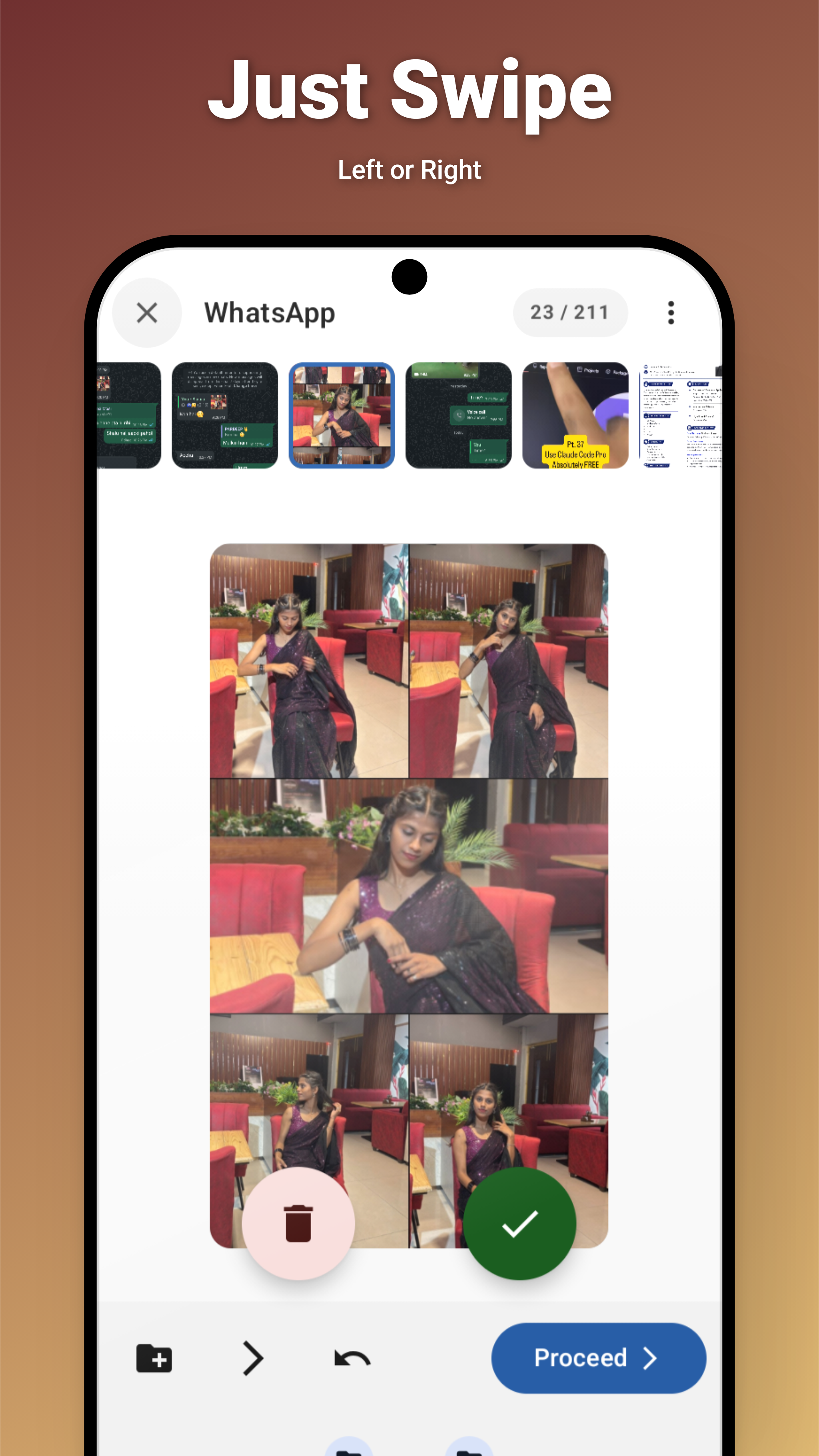
Swipe Sorter

Sort thousands of files with a fun Tinder-style card interface. Keep, delete, move, or skip with a single gesture.

  • Swipe right to keep · left to delete
  • Immersive full-screen media preview with pinch-to-zoom
  • Target folder bar for quick moves
  • Inline video player with speed control
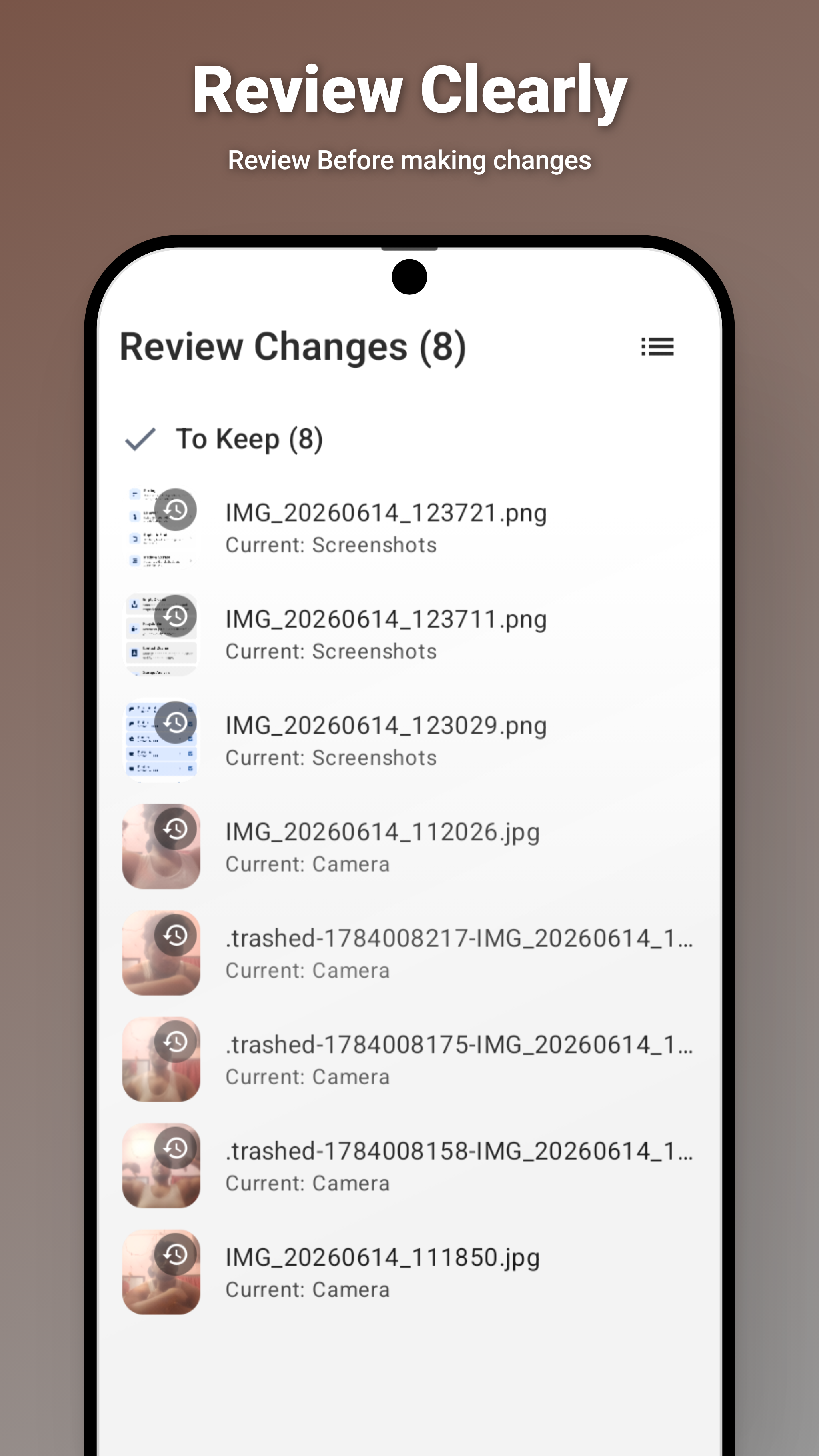
  • Undo any action · Summary sheet review
🔍

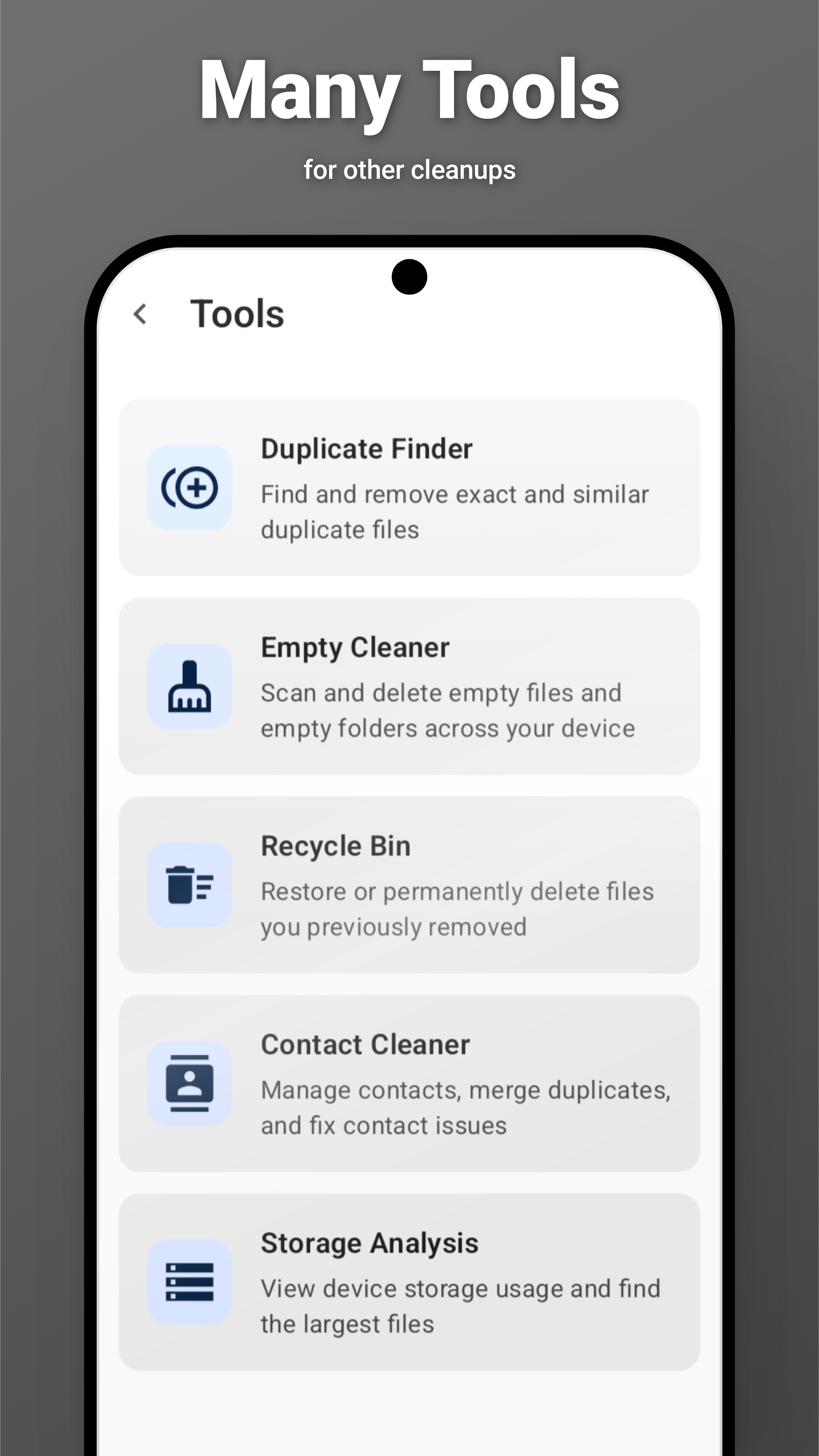
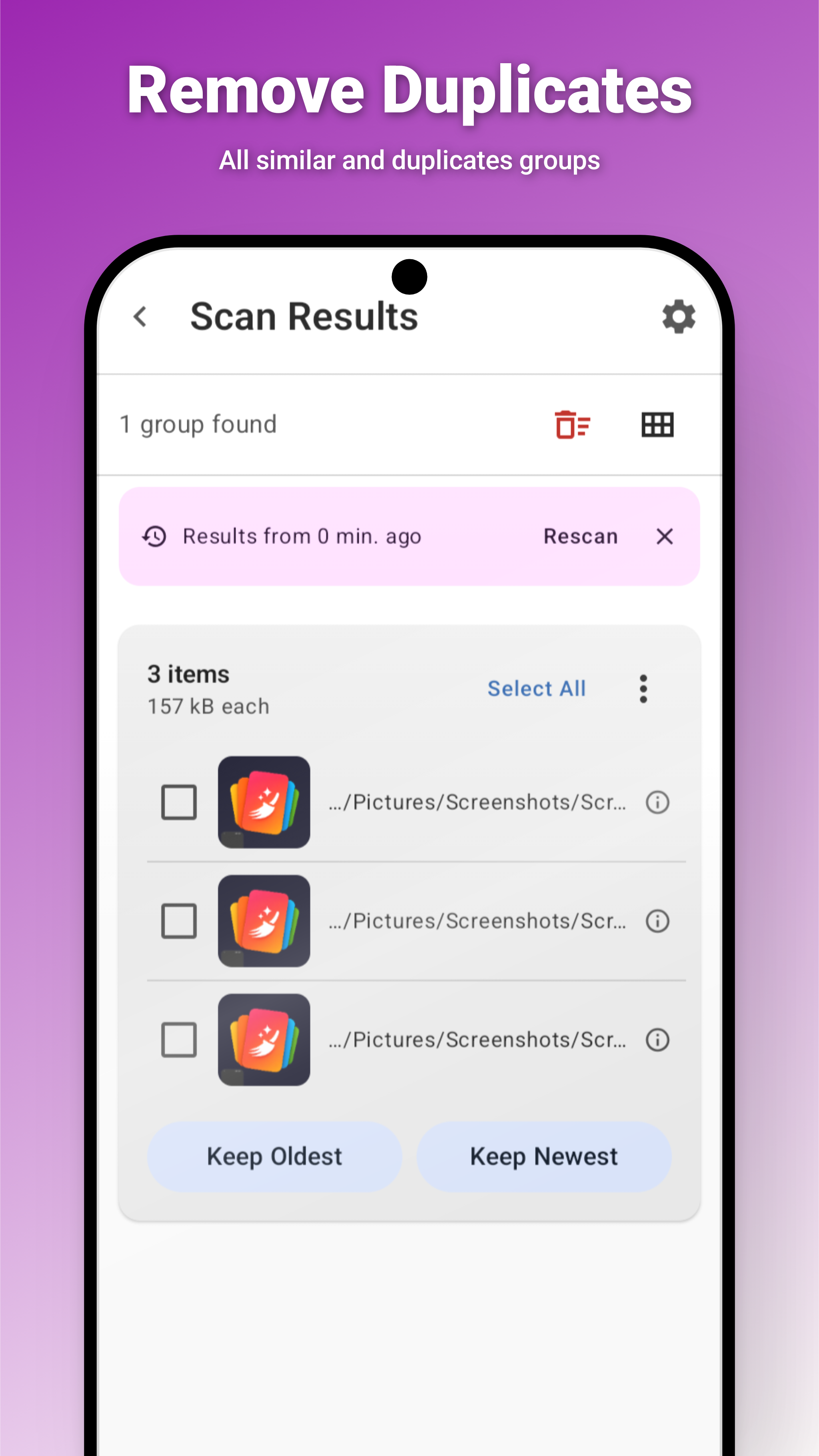
Duplicate Finder

Free up gigabytes by eliminating exact copies and visually similar media.

  • Hybrid hashing — size filter + pixel / content hash
  • Visual similarity via dHash & color histograms
  • Configurable strict / balanced / loose thresholds
  • Similarity denial to suppress false positives
  • Background scanning with progress notifications
🧹

Junk Remover

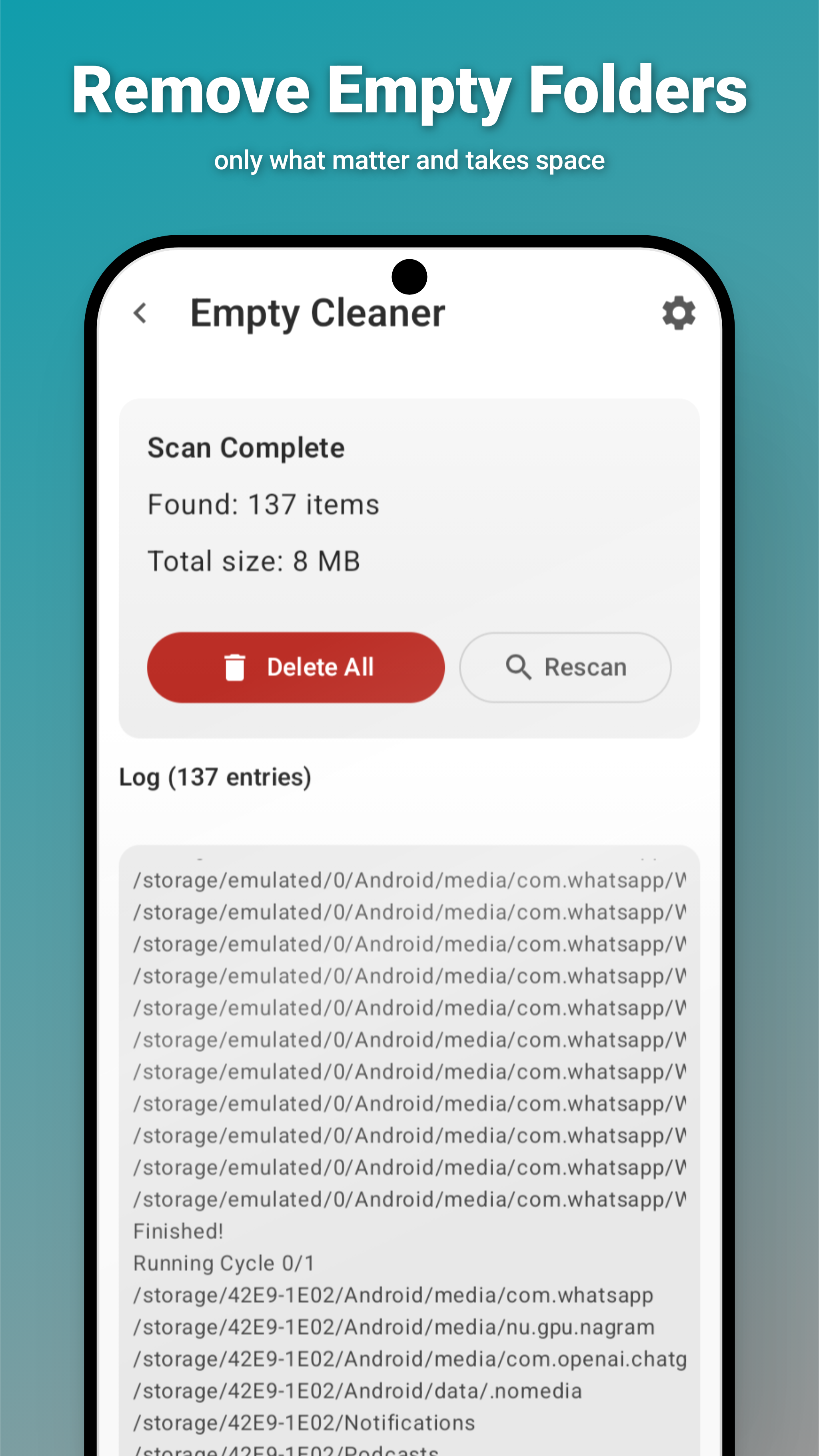
Beyond media — clean empty files, folders, APKs, temp files, and corpse folders.

  • Multi-volume support — scan internal, SD, or USB OTG
  • Double-Checker runs multiple passes
  • Auto-Whitelist protects backup paths
  • Clean on boot & scheduled cleaning
  • Quick Clean — skip scan, apply instantly

Recycle Bin

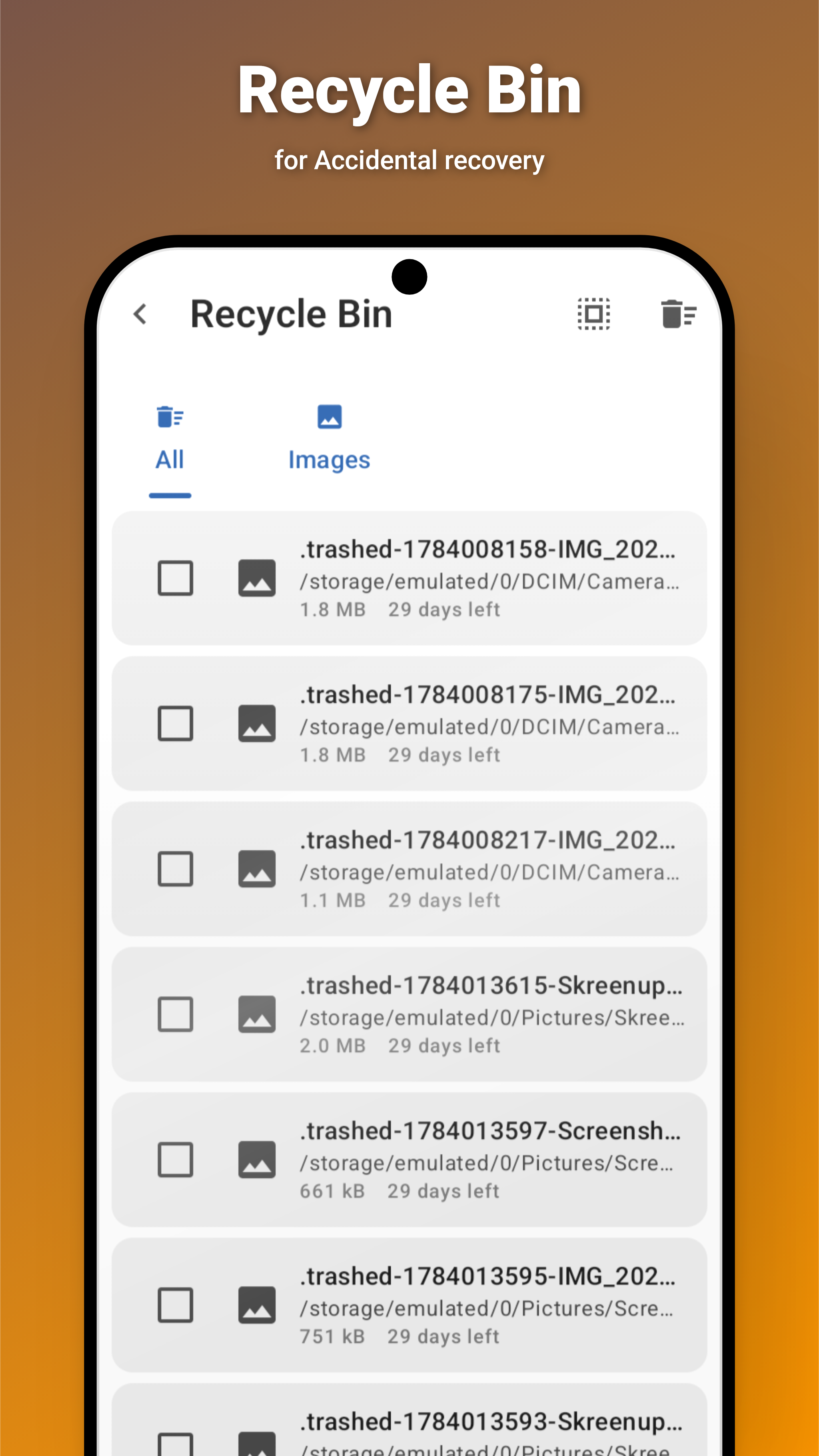
A safe space for trashed files — recover what you need before it’s gone forever.

  • Per-category filtering with always-visible tabs
  • Select All / Deselect All batch operations
  • Restore files to their original location
  • Media preview for images and videos
  • Empty Recycle Bin with one tap
📊

Storage Analysis

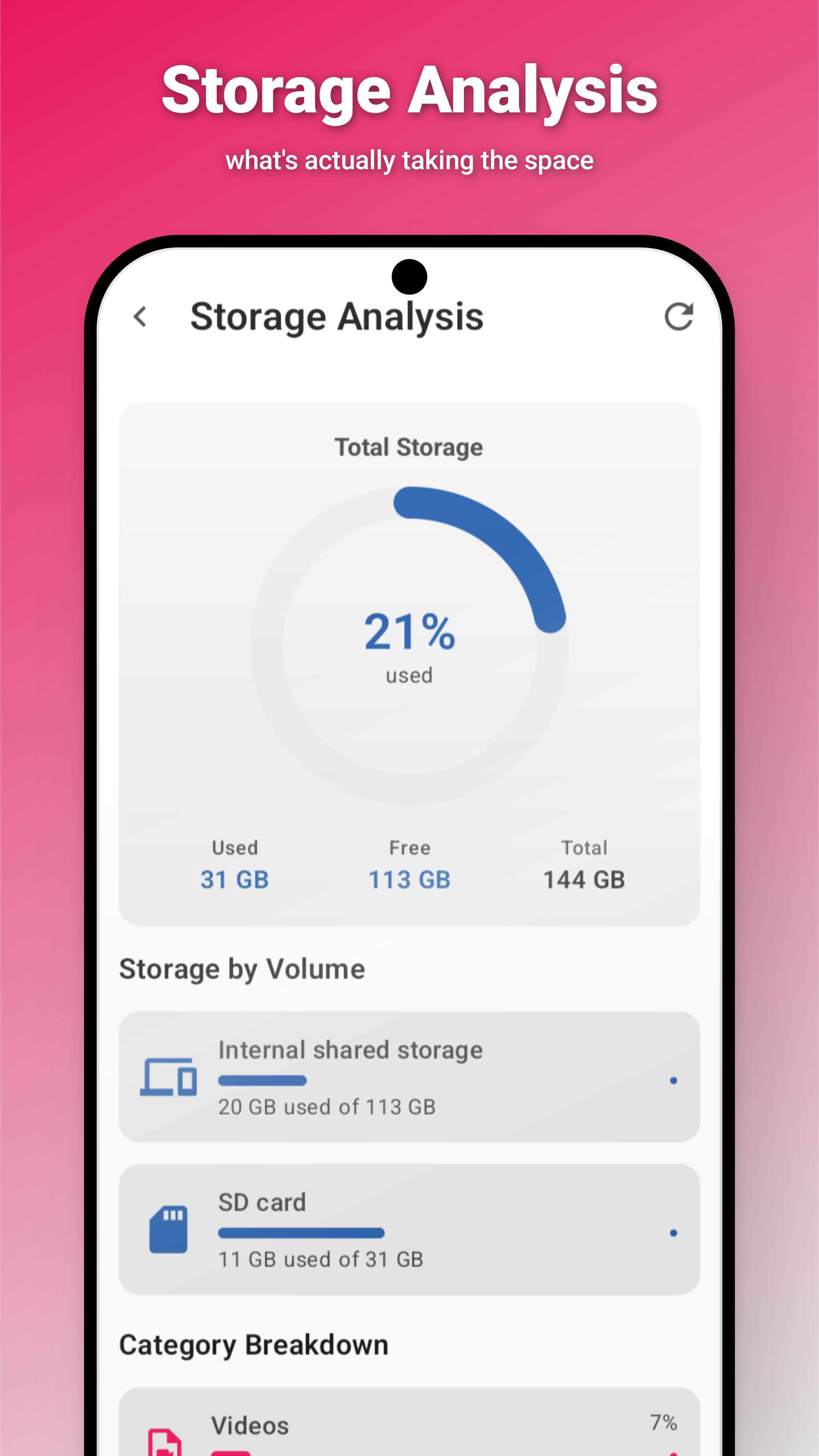
Visualize your device’s storage landscape at a glance with interactive charts.

  • Donut chart — used vs. free with color-coded status
  • Per-volume cards for internal, SD, and USB OTG
  • Category breakdown bars with sizes & percentages
  • Top 10 largest files, tappable for details
  • Bounded BFS scan for fast results
📂

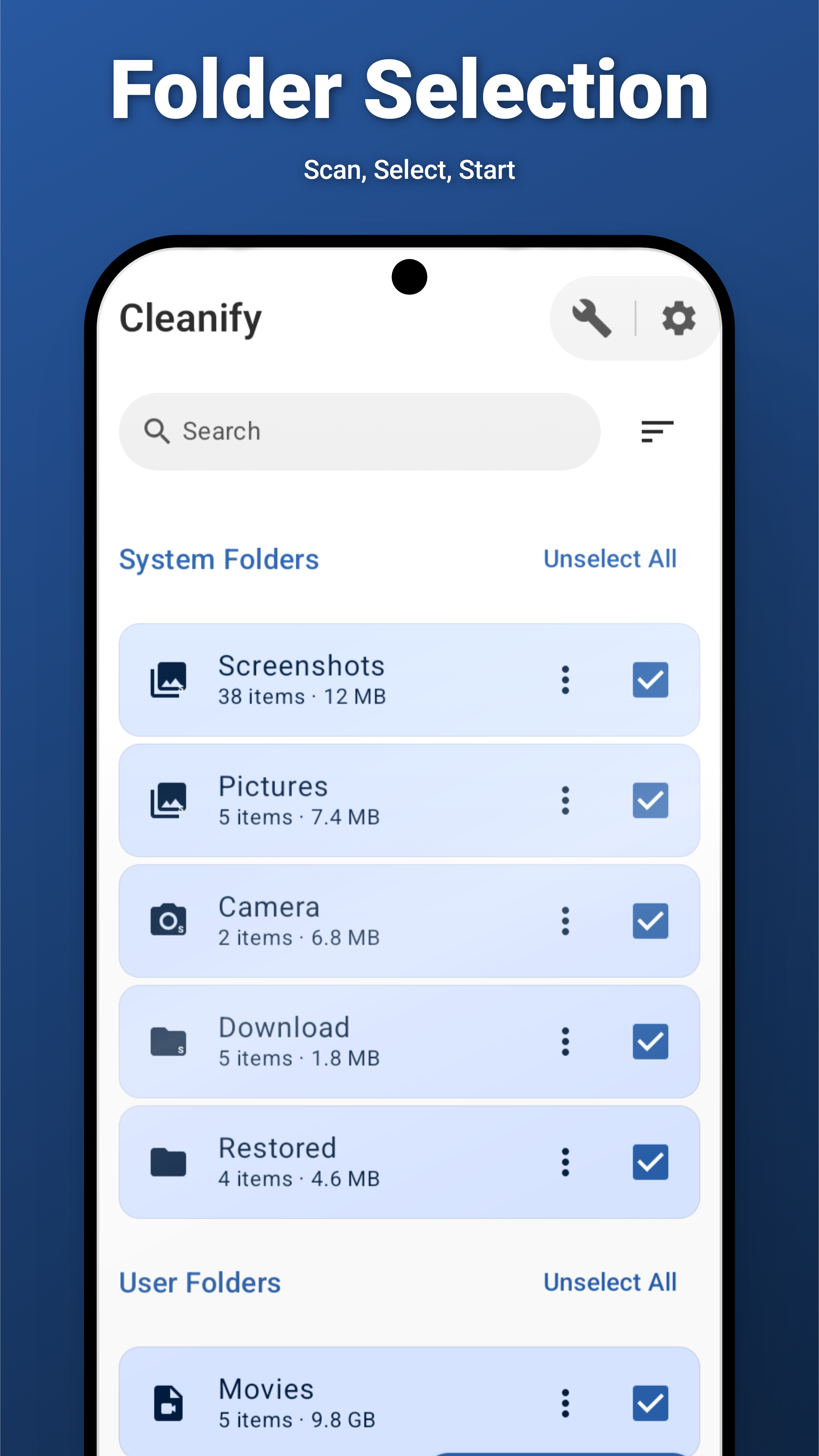
Session Setup

Auto-discover media folders, browse by category, and configure every session your way.

  • Auto-discovery with live scanning progress
  • Favorites, System, User folder categories
  • Multi-select & recursive folder selection
  • Search, sort, and pull-to-refresh
  • Mark folders as sorted to hide them later
📞

Contact Cleaner

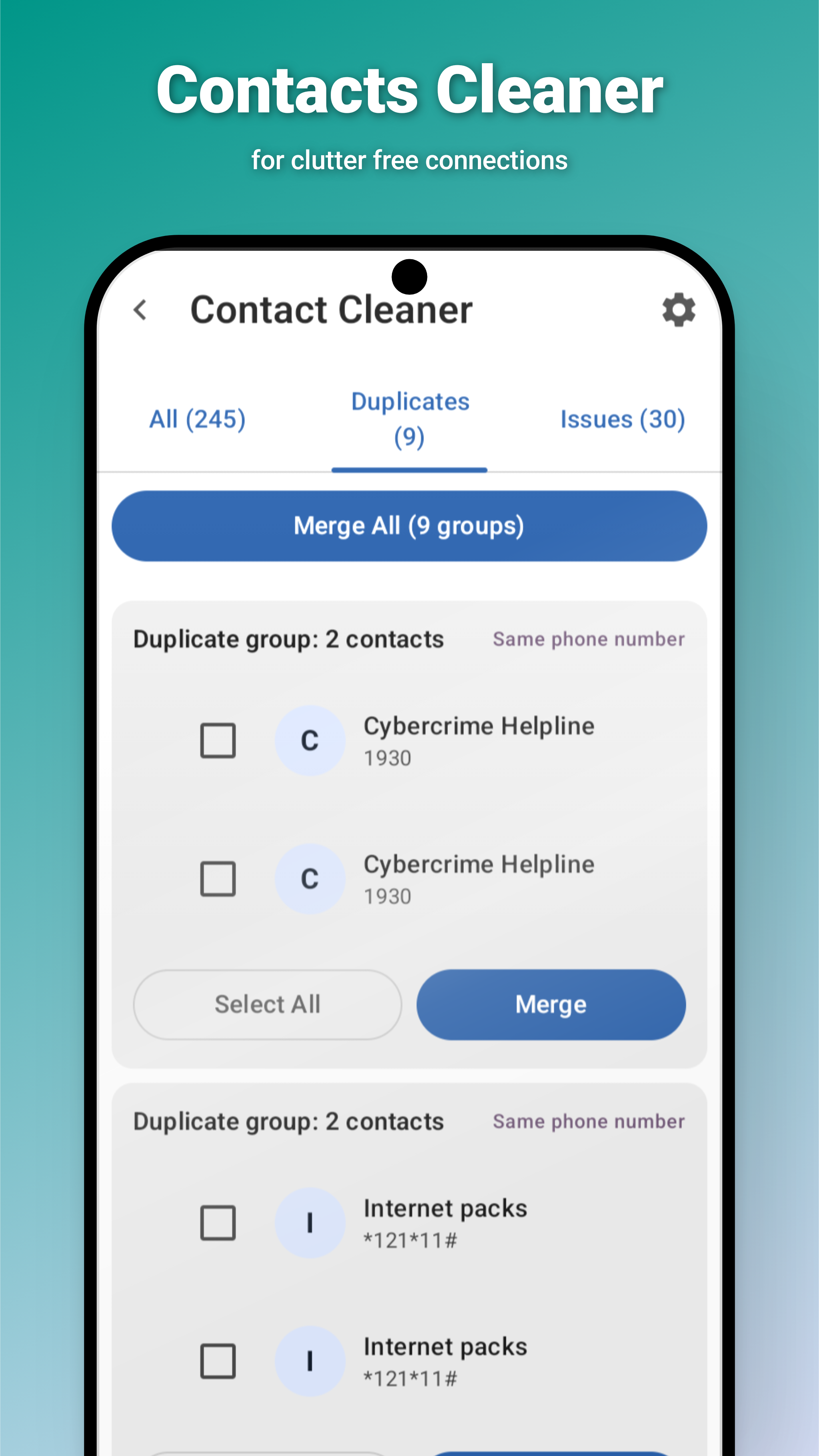
Manage your contacts — merge duplicates, fix issues, and keep your address book clean.

  • Detect duplicate contacts by phone or name
  • Merge groups with one tap — keep all data
  • Issues tab for contacts with missing fields
  • Bulk merge all groups at once
  • All (245+) contacts browsable in one view
🎨

Theming

Five theme modes including true-black AMOLED. Material You dynamic colors and accent picker.

  • Light · Dark · Darker · AMOLED
  • Material You wallpaper colors (Android 12+)
  • Curated accent color palette
  • Language: English · Italiano
🧰

Accessibility

Designed for everyone — reduce animations, hide from gallery, full TalkBack support.

  • Reduce Animations toggle for sensitive users
  • Hide from Gallery (.nomedia) default-ON
  • Haptic feedback on destructive actions
  • Full TalkBack content descriptions
  • App shortcuts & Quick Settings tile

Changelog

What’s new in recent releases.

v2.6.0— 2026-06-11
Added
  • Immersive media preview — full-screen viewer with pinch-to-zoom and double-tap reset.
  • Storage analysis — donut chart, per-volume cards, category breakdown, largest files.
  • Recycle Bin — per-category filtering, select-all, media preview, batch restore.
  • Multi-volume empty cleaner — dynamic volume selector for internal, SD, USB OTG.
  • Accessibility — Reduce Animations, Hide from Gallery, full TalkBack support.
  • App shortcuts (deep links), Quick Settings tile, redesigned widget.
  • Native xxHash64 hashing engine — ~10x faster duplicate detection.
Changed
  • Duplicate scanning now uses native xxHash64 for all hash types.
  • Cross-volume file moves and multi-root scanning across all cleaner tools.
v2.5.0— 2026-06-11
Added
  • Haptic feedback on all destructive actions: swipe, delete, apply changes.
  • In-app update checker with download progress and package installer launch.
View All Releases

Privacy First

Cleanify is designed from the ground up with privacy as a non-negotiable requirement.

🔐

Completely Offline

Zero network requests, zero internet permission.

🚫

No Tracking

No SDKs, no telemetry, no crash reporting.

📵

No Account

Open the app and start immediately.

🏠

All On-Device

Your files never leave your phone.

📖

Open Source

Full source under GPL-3.0. Audit it yourself.

Supported File Types

Cleanify works with a wide range of media and document formats.

🖼️ Images
JPEG, PNG, GIF, WEBP, HEIC, and more
🎬 Videos
MP4, MKV, AVI, MOV, and more
🔊 Audio
MP3, WAV, FLAC, AAC, OGG, WMA
📄 Documents
PDF, DOCX, XLSX, PPTX, TXT

Tech Stack

Built with modern Android technologies.

Language
Kotlin 2.2
UI
Jetpack Compose + Material 3
Architecture
MVVM + Clean Architecture + UDF
DI
Hilt
Database
Room
Images
Coil
Video
ExoPlayer (Media3)
Min SDK
Android 10 (API 29)
Explore the Code